
UploadArticle Account: Register, Login and Manage – Complete Guide
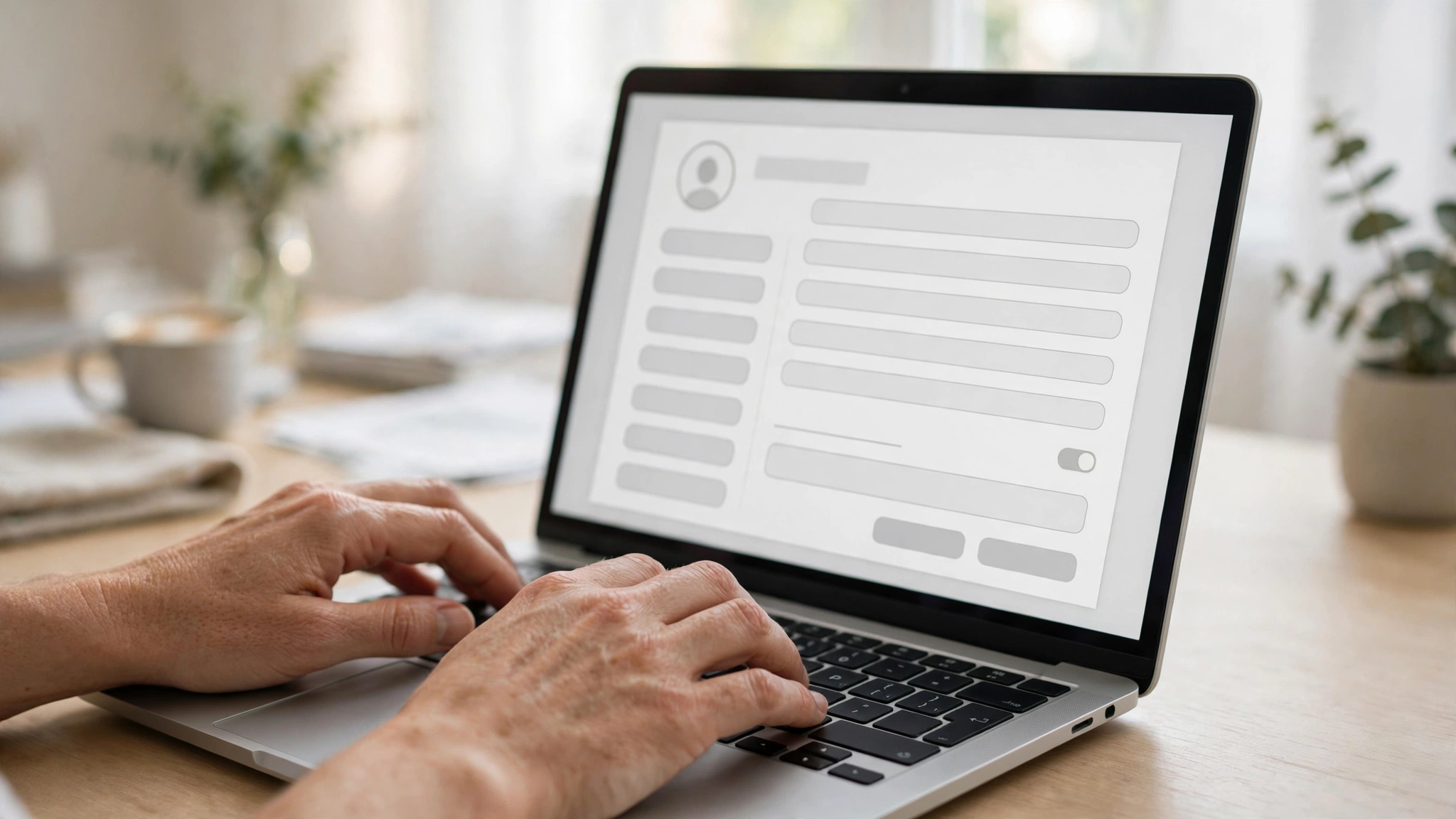
Most writers who fail on article submission platforms do not fail because their writing is bad. They fail at the account level. They rush the signup, leave the profile half empty, ignore the dashboard, and then wonder why their articles sit in review for weeks or get rejected without explanation. An UploadArticle account is not just a login. It is your publishing identity, your credibility signal, and the control room for everything you submit. This guide walks you through creating your UploadArticle account the right way, setting up a profile that gets approved, managing submissions from the dashboard, fixing login problems, and turning a fresh account into a trusted author presence that editors take seriously.
What an UploadArticle Account Actually Is
An UploadArticle account is your personal publishing workspace on the UploadArticle article submission platform. It holds your author profile, your submitted and published articles, your submission history, and your account standing with the editorial team. Think of it as the difference between shouting into a crowd and having your own press pass. Without an account, you are a visitor. With one, you are a contributor with a track record.
The platform itself, covered in detail in our UploadArticle guide, is built around guest posting and free article submission. Your account is what connects your name to every article you publish there, which is why search engines and readers treat a complete, active account very differently from a bare one.
Why Your Account Setup Decides Whether Articles Get Approved
Editors review hundreds of submissions. When they open yours, the first thing they check after the title is the author behind it. A blank profile with no bio, no photo, and zero published history looks like a throwaway account, and throwaway accounts submit the lowest quality content on average. That is not prejudice, it is pattern recognition from years of moderation.
A properly set up UploadArticle account signals three things: you are a real person, you take publishing seriously, and you plan to stick around. Accounts that signal all three get faster reviews and fewer rejections. This is the single highest leverage part of the whole process, and it takes about fifteen minutes.
How to Create Your UploadArticle Account Step by Step
Creating the account itself is simple. Doing it properly takes a little more care than most people give it.
Step 1: Go to the official platform. Open UploadArticle in your browser and find the Register or Sign Up option, usually in the top navigation. Make sure you are on the genuine site before entering any details.
Step 2: Enter your real details. Use your real name or a consistent pen name you plan to keep. Enter a valid email address you actually check, because the verification link goes there. Choose a strong password with a mix of upper and lowercase letters, numbers, and symbols.
Step 3: Verify your email address. Check your inbox for the confirmation message and click the verification link. Some providers filter these into spam, so look there if nothing arrives within a few minutes. Until you verify, your account stays limited and you cannot submit.
Step 4: Log in for the first time. Use your email and password on the login page. You should land on your dashboard, which will look empty. That is normal. The next sections fill it with everything that matters.
Step 5: Do not submit anything yet. This is where most people go wrong. A brand new, empty account submitting an article on day one looks exactly like spam behavior. Spend your first session completing the profile instead. Your first submission will perform better for it.
Setting Up an Author Profile That Gets Taken Seriously
Your author profile is the public face of your UploadArticle account. Every article you publish links back to it, and readers click through more often than you would expect.
Write a real bio. Two or three sentences about who you are and what you write about. Mention your niche, your experience, and what readers can expect. Avoid generic lines like “I love writing.” Say what you actually do: “Digital marketer writing about SEO and content strategy for small businesses.”
Add a profile photo. A clear headshot beats a logo or a blank avatar every time. Readers trust faces. If you write under a brand, use a clean, professional brand mark instead.
Link your web properties. Add your website URL and professional social profiles. These links do two jobs: they let interested readers find you, and they build your identity footprint, which matters for author authority.
Pick your topics. If the platform lets you select interest areas or expertise topics, choose the ones you will actually write about. Consistency between your stated topics and your submissions makes your account look focused rather than scattered.

Understanding Your Account Dashboard
The dashboard is the control center of your UploadArticle account. Learning it early saves confusion later. Here is what the main areas do.
Profile settings. This is where you update your bio, photo, password, and contact details. Revisit it every few months to keep everything current.
New submission. The starting point for every article. This is where you enter your title, paste or upload your content, select a category, and add tags before sending it to review.
My submissions. Your full history: drafts, pending reviews, published pieces, and rejections. Each entry shows its status, which tells you exactly where your article stands in the pipeline.
Performance stats. Many platforms show views, and sometimes engagement, per article. These numbers tell you which topics resonate, which should shape what you write next.
Spend ten minutes clicking through each section on day one. Knowing where everything lives means you will actually use the tools instead of ignoring them.

UploadArticle Account Login: Access and Recovery
Logging in is straightforward: open the login page, enter your registered email or username and your password. If the platform offers a “remember me” option on a private device, it saves repeated typing.
Login problems have a short list of usual causes. The most common is simply a wrong password, fixed with the “Forgot Password” link that sends a reset to your registered email. The second most common is an unverified email: if you never clicked the confirmation link, the system may block login until you do. Check your spam folder for the original verification message.
If your account was suspended, you will usually see a notice explaining why. Suspensions generally follow repeated guideline violations, plagiarized submissions, or spam patterns. In that case the path back is through the platform’s support or contact channel, not through creating a second account, which typically makes things worse. You can reach the team through the Contact Us page if you need help with an account issue.
Linking Your Account to Smart Publishing Tools
A strong account becomes stronger when you pair it with the right workflow. Before submitting, run your draft through the basics: a word counter to hit your target length, a readability check, and a plagiarism scan to confirm originality. UploadArticle’s own UploadArticle.com Tools collection covers utilities like word counters, article rewriters, and robots.txt generators that fit naturally into a contributor’s routine.
Using tools consistently does something subtle but important for your account: it raises the average quality of everything tied to your name. Editors notice when an author’s submissions arrive clean and well formatted every time. Over a few months, that reputation turns into faster approvals.
Managing Submissions Like a Professional Contributor
Once your profile is complete, your UploadArticle account becomes a small publishing operation. Treat it like one.
Track every status. Pending means your article is in the review queue. Give it reasonable time before asking about it. Approved means it cleared review and will publish. Rejected means it missed the guidelines, and the notice usually says why. Read the reason, fix the issue, and resubmit rather than arguing.
Keep a personal log. The dashboard shows statuses, but a simple spreadsheet of your own with titles, submission dates, categories, and outcomes helps you spot patterns. If listicles in the marketing category keep getting approved fast while opinion pieces stall, that data should guide your writing plan.
Respond to feedback. If an editor leaves notes on a rejection, treat them as free coaching. Authors who revise and resubmit thoughtfully build goodwill. Authors who resubmit the same draft unchanged burn it.
Stay consistent. Publishing one article a month for a year builds more authority than publishing ten in a week and disappearing. Consistency signals reliability to both editors and readers.
Common Account Mistakes That Get Articles Rejected
Most rejections trace back to a handful of avoidable account level mistakes.
Submitting from an empty profile. As covered earlier, a blank bio and no photo on a new account is the classic spam signal. Complete the profile first.
Keyword stuffing the bio. Your author bio is not a place to cram search terms. Write for humans. A natural bio with your niche mentioned once reads as credible; a bio packed with keywords reads as manipulation.
Using a throwaway email. Free, anonymous looking addresses are fine for newsletters, but for a publishing account they weaken trust. Use a stable address tied to your real identity or brand.
Ignoring the guidelines. Every platform publishes submission rules. Authors who never read them submit off topic pieces, duplicate content, or over promotional articles, then blame the editors. Read the rules once and you avoid most rejections permanently.
Creating multiple accounts. One person, one account. Duplicate accounts created to dodge a suspension or to multiply submissions almost always get linked and banned together. If you have a genuine reason for a second account, such as a separate brand, check the platform’s policy first.
Keeping Your UploadArticle Account Secure
Your account accumulates value over time: published articles, reputation, and backlinks pointing at your profile. Protect it accordingly.
Use a unique password you do not reuse elsewhere. If the platform supports two factor authentication, turn it on. Be cautious with third party tools that ask for your login; most legitimate workflows never need your password. Review your profile periodically for changes you did not make, which can indicate unauthorized access. And keep your recovery email accessible, because losing access to both the account and the email behind it turns recovery into a long process.
Growing From New Account to Trusted Author
The long game of an UploadArticle account is authority. Here is how that compounds.
Phase one: foundation. Complete profile, first three to five articles in one niche, clean formatting, zero violations. Goal: establish that you are real and reliable.
Phase two: momentum. Publish regularly, engage with other authors’ work through genuine comments, and refine your topics based on which articles perform. Goal: build a recognizable presence in your categories.
Phase three: leverage. With a solid history, your author page itself starts ranking and attracting profile views. Your bio links drive referral traffic. Editors fast track your submissions because your name has a track record. This is also the point where guest posting on the platform starts producing real SEO value through consistent, contextual backlinks. You can read more about the people behind the platform on the About Us page.
None of this requires talent beyond clear writing and patience. It requires treating the account as an asset from day one.
UploadArticle Account Types: Personal, Business and Agency
Not every UploadArticle account serves the same purpose, and choosing the right footing from the start avoids awkward restructuring later.
Personal author accounts are the default. One writer, one byline, one niche or a small cluster of related niches. These build the strongest personal authority because every article reinforces the same name. Freelancers, bloggers, and subject matter experts fit here naturally.
Business accounts represent a company rather than an individual. The bio describes what the company does, the photo is a logo, and articles tend to be educational content related to the industry. These work well for content marketing, but they need extra care to avoid sounding promotional. Teach first, mention the business sparingly.
Agency accounts manage submissions for multiple clients. If you run an agency, keep client work strictly separated: distinct author identities per client where the platform allows it, or one agency account with clear bylines per piece. Mixing five clients’ articles under one personal name confuses readers and dilutes every client’s authority signal.
Whichever type you choose, stay consistent with it. Switching a personal account into a business mouthpiece halfway through its life erodes the trust the earlier articles built.
Optimizing Your UploadArticle Account for SEO Value
An UploadArticle account can be a genuine SEO asset, but only if you set it up with search in mind from the beginning.
Treat your author page as a landing page. It accumulates links from every article you publish. A complete page with a clear bio, a real photo, and links to your site turns that accumulated authority into referral traffic and a stronger entity association for your name.
Use consistent naming everywhere. Your author name, your bio wording, and your linked properties should match how you appear on your own site and social profiles. Search engines connect these dots into a single entity, and a coherent entity earns more trust than five slightly different versions of you.
Link with intent, not greed. The backlinks you earn from published articles carry the most weight when they sit inside genuinely useful content and point to genuinely relevant pages. One contextual link per article to a relevant resource outperforms three forced links to your homepage. Editors know the difference, and so do algorithms.
Publish where it counts. Ten thin articles add less value than three substantial ones. Depth signals expertise, and expertise is what turns an author account from a link source into a reputation source.
Frequently Asked Questions
Is creating an UploadArticle account free?
Yes. Registration costs nothing, and submitting articles is free. The platform earns through its own channels, not by charging contributors.
How long does verification take?
Usually minutes. The email arrives right after signup. If it does not appear within ten minutes, check spam, then request a resend.
Can I change my username later?
Most platforms lock the username after registration since it forms part of your profile URL. Your display name and bio can usually be edited freely, so choose the username carefully at signup.
What should I do if my article is rejected?
Read the rejection reason, fix the specific issue, and resubmit. Common fixes involve originality, formatting, and topical fit. Do not resubmit the identical draft.
Can I delete my UploadArticle account?
Most platforms allow account closure from settings or through a support request. Note that published articles may remain live under an anonymized byline depending on the platform’s policy.
Does an older account rank better?
Account age alone is not a ranking factor, but the history attached to an older account, more published articles, more engagement, fewer violations, is exactly what builds authority. Start early and stay consistent.
Final Verdict
An UploadArticle account is a small thing to create and a valuable thing to own. The writers who get the most from article submission platforms are not necessarily the best writers. They are the ones who set up a complete, credible account, learn the dashboard, submit consistently, and treat every rejection as information. Follow the steps in this guide, give your profile the fifteen minutes it deserves, and your account will do quiet work for you for years: faster approvals, growing authority, and a body of published work tied to your name.


[…] will need an UploadArticle Account before your first article goes live. Registration takes a few minutes: sign up, confirm your email, […]
[…] through dedicated dashboards. If you run your own article directory or contribute to one, an UploadArticle Account gives you a publishing setup with author profiles and category management, and the […]
[…] platforms that take authorship seriously require writers to register, for example through an UploadArticle Account, so each byline traces back to a real registered writer rather than a throwaway […]
[…] account process is documented step by step so a creator knows exactly what signing up involves (see UploadArticle Account). When a site keeps the contributor process vague, that is not automatically a red flag, but it […]